The 8 Most Common JSON Errors
Updated 19 August 2026 · 8 min read
JSON parsers are deliberately unforgiving, and their error messages tend to point at where the parser gave up rather than where you made the mistake. These are the eight failures that account for nearly every invalid document, each with the message you will see and the fix.
1. Trailing comma
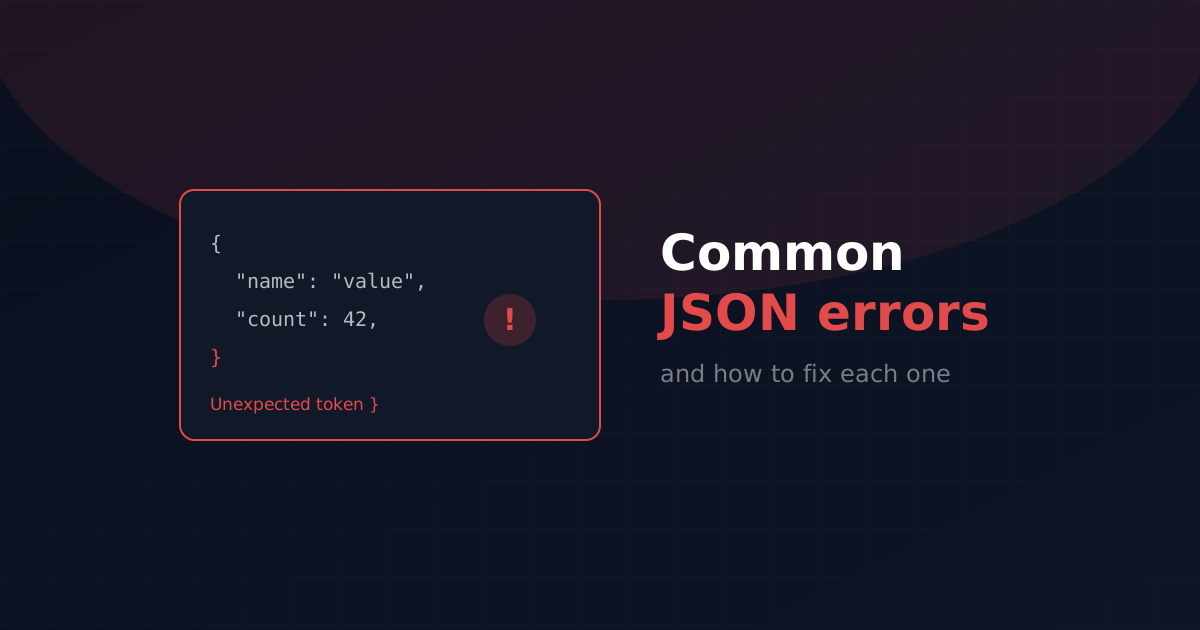
The single most common JSON error, because JavaScript allows it and JSON does not.
Remove the comma after the last pair. The same applies inside arrays. When an error names a closing brace or bracket, a trailing comma is the first thing to check.
2. Single quotes
JSON requires double quotes on both keys and string values. Single quotes are valid JavaScript but not valid JSON — a distinction that catches people pasting an object literal out of source code.
3. Unquoted keys
Every key must be a quoted string. JavaScript permits bare identifiers as keys; JSON never does.
4. Comments
JSON has no comment syntax at all. This is a frequent surprise in configuration files, where the format looks like an obvious place for a note. If you need comments, the usual workarounds are a dedicated _comment key, or a format such as JSONC or JSON5 — but strip them before passing the document to a strict JSON parser.
5. NaN, Infinity and undefined
None of these are valid JSON values. This most often appears when serialising output from a calculation that divided by zero. JSON.stringify converts NaN and Infinity to null automatically, and drops keys whose value is undefined entirely — so a hand-assembled string is usually the culprit.
6. Unescaped control characters
A literal newline or tab cannot appear inside a JSON string — it has to be escaped as \n or \t. Backslashes and double quotes inside strings need escaping too. This one shows up constantly when file contents or log lines are pasted into a JSON field by hand.
7. The response was not JSON at all
A less-than sign at position 0 means the parser received HTML. Almost always this is a server returning an error page — a 404, a 500, or a login redirect — while your code assumed a JSON body. The fix is not in the JSON: check the HTTP status code and the content-type header before parsing, and log the raw response body when parsing fails.
A related variant is Unexpected token in JSON at position 0 with no visible character, which usually means a byte order mark at the start of a UTF-8 file. Save the file as UTF-8 without BOM.
8. Two documents concatenated
This is NDJSON, or newline-delimited JSON — one complete document per line, common in log files and bulk exports. It is valid as a stream but not as a single document. Parse it line by line, or wrap the lines in an array with commas between them.
The error that is not a syntax error
One failure produces no error message at all: large integers silently lose precision. JavaScript parses every JSON number as a 64-bit float, so any integer above Number.MAX_SAFE_INTEGER — 9,007,199,254,740,991 — is rounded on parse.
This affects large database identifiers, Discord and Twitter snowflake IDs, and financial values held in the smallest currency unit. The standard fix is to transmit such values as strings. If an API returns an ID in quotes, this is why — leave it quoted.
A quick debugging order
When a document fails and the cause is not obvious, work through it in this order. Confirm you actually received JSON rather than an HTML error page, by checking the status code and the first character. Run it through a validator to get the exact position of the failure. Look immediately before that position, since parsers report where they gave up rather than where the mistake is. Then check the usual suspects in order: trailing commas, single quotes, unquoted keys, comments. If the document is machine-generated and enormous, bisect it — parse the first half, then the second — to narrow the failure down quickly.
Frequently asked questions
Can JSON have comments?
No. RFC 8259 defines no comment syntax, so any // or /* */ makes the document invalid. JSONC and JSON5 add them, but they are separate formats that must be stripped before strict parsing.
Why is a trailing comma invalid in JSON but fine in JavaScript?
JSON was standardised as a strict subset of JavaScript object syntax and deliberately excluded conveniences that complicate parsing. JavaScript later relaxed its own rules; JSON did not follow.
What does Unexpected token < in JSON at position 0 mean?
Your code received HTML instead of JSON — typically a server error page or a login redirect. Check the HTTP status code and content-type before parsing.
Why did my large ID number change after parsing?
JavaScript parses JSON numbers as 64-bit floats, so integers above about 9 quadrillion lose precision without raising an error. APIs avoid this by sending large IDs as strings.
Is it safe to paste production JSON into an online validator?
Only if the tool runs entirely in your browser. Many validators post your data to a server. A client-side validator processes the document locally, so nothing is transmitted.